Lumaktaw patungo sa pangunahing nilalaman
eLearn
  • Tahanan
  • Kalendaryo
  • Schools
    APPLIED BUSINESS
    ARCHITECTURE
    BRIDGEPOINT
    BUILDING CONSTRUCTION
    CIVIL ENGINEERING AND LAND SURVEYING
    COMMUNITY STUDIES
    COMPUTING, ELECTRICAL AND APPLIED TECHNOLOGY
    CREATIVE INDUSTRIES
    ENVIRONMENTAL AND ANIMAL SCIENCES
    HEALTHCARE AND SOCIAL PRACTICE
    TRADES AND SERVICES
    Tuapapa Rangahau and Postgraduate Resources
    Unitec Pathways College
    All departments
  • Students
    ONLINE TOOLS MyUnitec Portal Student Email Outlook Ask IMS Ask IMS orientation
    STUDY SUPPORT ACADEMIC INTEGRITY 2026 ACADEMIC INTEGRITY Library International Maia Maori Student Central (Te Pae Korero) Student Learning and Achievement Study Toolbox The Pacific Centre
    OTHER SERVICES Career and Study Options CAREER & EMPLOYABILITY Clubs and Sports Health and Safety Reporting Counselling Services Student Reps Student Advocates Scholarships and Awards
  • Staff
    DIGITAL LEARNING Moodle Upgrade 2026: What's Changed? Digital Learning Standards Echo360 EchoExam Generative AI for Teachers H5P Interactive Activities SEAtS Staff Guide to Moodle Teaching with Teams
    OTHER Academic Quality Assessment and Moderation 2026 Badges (Teaching Competencies) Collaborative Spaces Moodle role induction Request a new Moodle course Te Rito Suite
  • Marami pa
Site-wide search Isara
I-toggle ang "input" sa paghahanap
Filipino ‎(fil)‎
Afrikaans ‎(af)‎ Deutsch ‎(de)‎ English ‎(en)‎ Filipino ‎(fil)‎ Français ‎(fr)‎ Tagalog ‎(tl)‎
Kasalukuyan kang gumagamit ng pambisitang pagpasok
Mag-login
eLearn
Tahanan Kalendaryo Schools Pakitirin Palakihin
APPLIED BUSINESS ARCHITECTURE BRIDGEPOINT BUILDING CONSTRUCTION CIVIL ENGINEERING AND LAND SURVEYING COMMUNITY STUDIES COMPUTING, ELECTRICAL AND APPLIED TECHNOLOGY CREATIVE INDUSTRIES ENVIRONMENTAL AND ANIMAL SCIENCES HEALTHCARE AND SOCIAL PRACTICE TRADES AND SERVICES Tuapapa Rangahau and Postgraduate Resources Unitec Pathways College All departments
Students Pakitirin Palakihin
ONLINE TOOLS MyUnitec Portal Student Email Outlook Ask IMS Ask IMS orientation STUDY SUPPORT ACADEMIC INTEGRITY 2026 ACADEMIC INTEGRITY Library International Maia Maori Student Central (Te Pae Korero) Student Learning and Achievement Study Toolbox The Pacific Centre OTHER SERVICES Career and Study Options CAREER & EMPLOYABILITY Clubs and Sports Health and Safety Reporting Counselling Services Student Reps Student Advocates Scholarships and Awards
Staff Pakitirin Palakihin
DIGITAL LEARNING Moodle Upgrade 2026: What's Changed? Digital Learning Standards Echo360 EchoExam Generative AI for Teachers H5P Interactive Activities SEAtS Staff Guide to Moodle Teaching with Teams OTHER Academic Quality Assessment and Moderation 2026 Badges (Teaching Competencies) Collaborative Spaces Moodle role induction Request a new Moodle course Te Rito Suite
  1. Guide to Moodle
  2. Maghanap

Guide to Moodle

Bumalik

Resizing images in Moodle

You can do this using free software such as Gimp or Paint.NET. On a Windows machine, you can use the inbuilt Paint software to resize images. On Macs, you can use iPhoto.

If you need to tweak an image size slightly after uploading, it's easy.

  1. Make sure you are editing the label or page where the image is.
  2. Select the image by clicking on it (it should highlight blue).
  3. You can drag the little corner boxes to resize the image...
    OR...
  4. Click the "Insert/edit image" button.
  5. In the second tab "Appearance" change the image dimensions manually (this is more accurate)

NB: Super hint! If you wish an image to resize automatically to the size available on the screen, then remove the height property in the image dimensions, and add 100% (or whatever percentage) to the width property! The image will then scale / resize automatically!

Dimensions 1

Dimensions 2

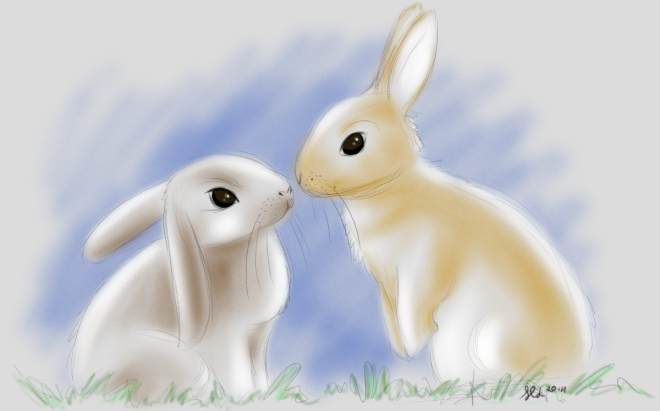
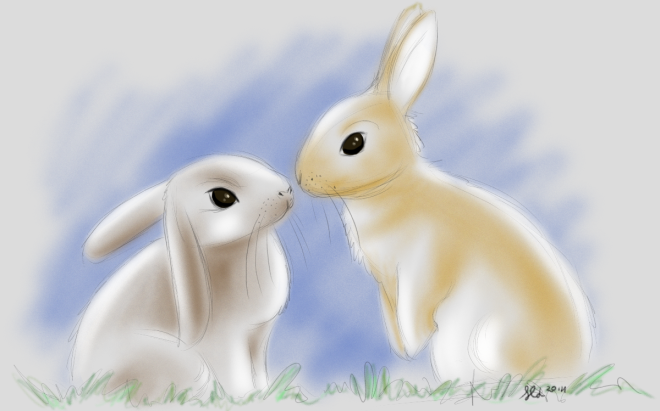
Resize this window and see the difference between these two pictures. One will resize, the other will not:


Bunnies

Bunnies resizing!

» Guide to Moodle

Contact site support
Kasalukuyan kang gumagamit ng pambisitang pagpasok (Mag-login)
Data retention summary
Pinatatakbo ng Moodle